
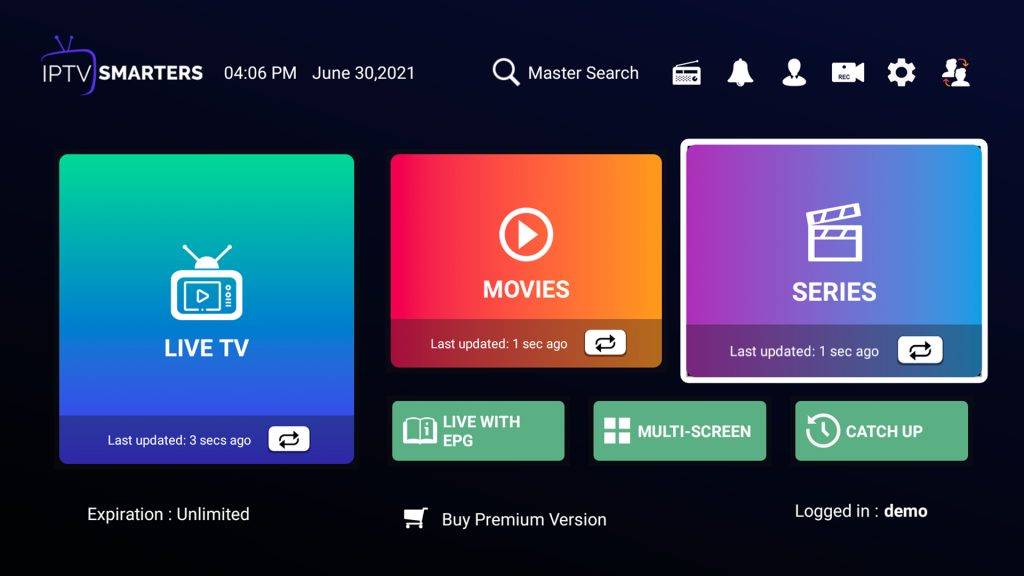
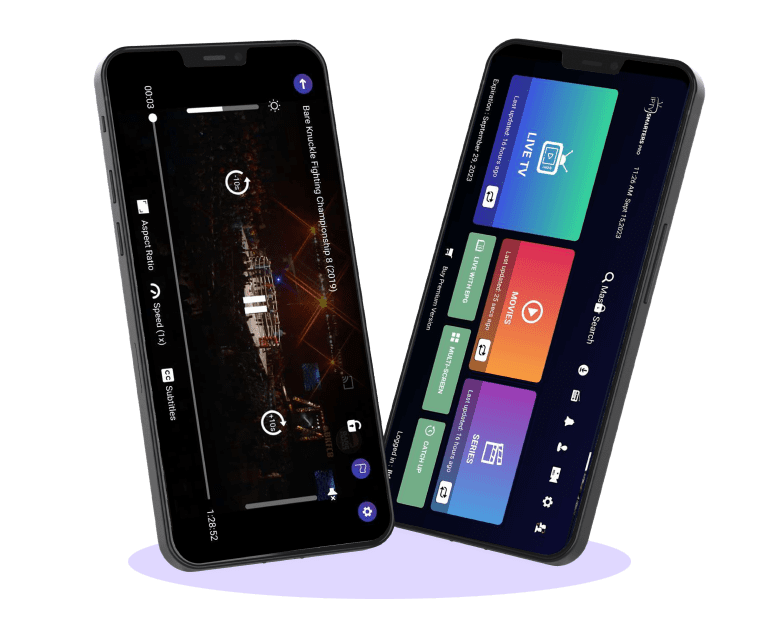






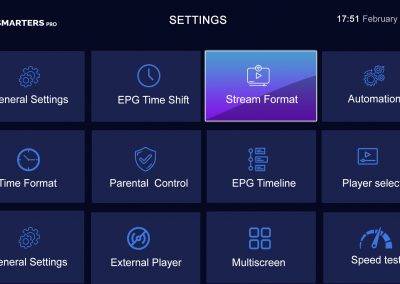
WHAT IS AN IPTV SMARTERS?


The IPTV Smarters App stands out as an exceptional video player, offering end-users the capability to enjoy a wide array of content, including Live TV, Movies, and Series across different devices. It extends its support across multiple platforms such as Android, iOS, Windows, MacOS, Web Browsers, and Smart TVs among others. Smarters Pro exhibits compatibility with diverse playlists, encompassing Player API Based Playlist, 1-Stream Panel API, and M3U Playlist / URL.

Below is an inclusive compilation detailing the devices that IPTV Smarters Pro supports.

Android

Android – Android Phones, Android TV, Android TV Boxes, Android FireTV Sticks, Nvidia Shields, and other android sticks or devices.

ios

iOS – iPhone, iPad, TvOS (Apple TV).

Smart TVs

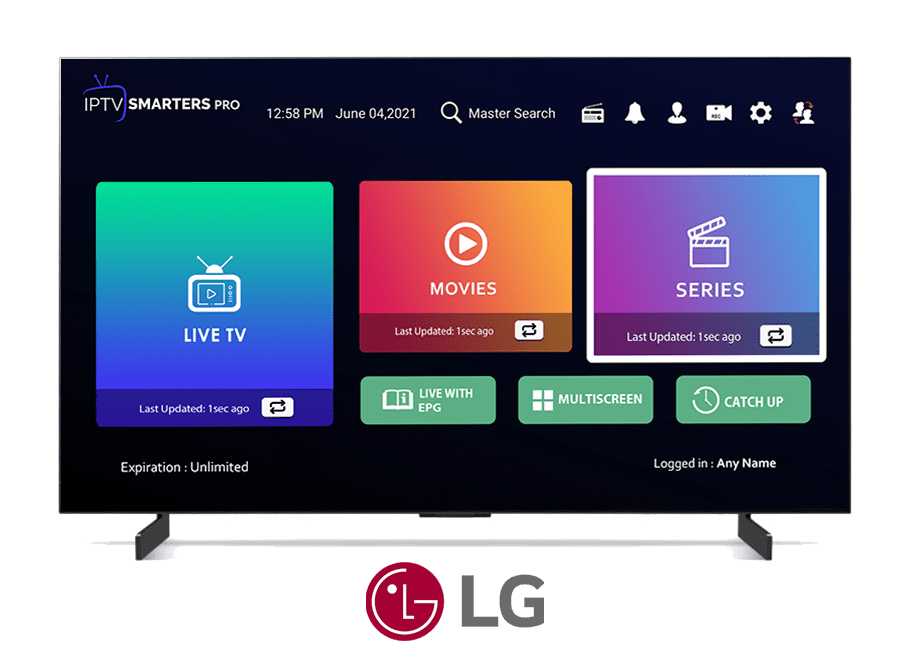
Smart TVs – LG & Samsung (App available on the store to download).

Windows

Windows/MAC – Windows 8/10 as well as all versions of macOS, including the latest updates.

FEATURES OVERVIEW

DOWNLOADS

Download New Version Of Iptv Smarters Pro – 2023 Version 4.0

				
					https://iptvsmarterpro.org/smarters4-0.apk


Download Old Version Of Iptv Smarters Pro – 2022 Version 3.0

				
					https://iptvsmarterpro.org/smarters.apk


IPTV SMARTERS PRO – SMART TV

IPTV Smarters stands out as an exceptional video streaming player tailored for end-users seeking seamless access to live TV, VOD, Series, and TV Catchup on their Smart TVs. This user-friendly app boasts not only an intuitive interface but also a robust player, captivating layout, and impressive efficiency, making it a compelling choice for hassle-free entertainment.

Version: 1.0.6
Compatibility: Compatible With All Devices
iptv smarters pro

IPTV Smarters stands as an exceptional video streaming player tailored for end-users seeking seamless access to live TV, VOD, Series, and TV Catchup on their Smart TVs. This user-friendly video player boasts simplicity without compromising efficiency, featuring a robust playback system, an appealing layout, and an impressively intuitive interface.

Version: 1.0.8
Compatibility: Compatible With All Devices
iptv smarters pro

Get Premium Version – Free

iptv smarters

Unlock All The Premium Features:

Note: On iOS devices,

the application can be obtained through the Apple Store, and the premium version can be acquired via in-app purchase.

For Smart TVs:

it functions as a free IPTV Player accessible to end-users.

HOW IT WORKS

Step 1: Access our app IPTV Smarters Pro by downloading it (here).

Step 2: Sign in to the app using your subscription information (obtain these details from your service provider).

Step 3: Upon logging in, access the Premium Version to unlock exclusive features.

Please be aware that we, as a software development company, do not supply or sell subscriptions, streams, or content.

Step 1: Obtain our app IPTV Smarters Pro by downloading it from [insert link].

Step 2: Access the application by logging in using the subscription details provided by your service provider.

Step 3: Once logged in, upgrade to the premium version to unlock exclusive features.

Kindly note that we, as a software development company, do not offer or sell subscriptions, streams, or content.

Step 1: Windows: Download the .exe file and install the IPTV Smarters Pro application.

Mac: Download the .dmg file and install the IPTV Smarters Pro application.

Step 2: Sign in to the application using the subscription details provided by your service provider.

Please note that the Premium Version features are not accessible on Windows or Mac platforms.

Important: We do not offer or sell any subscriptions, streams, or content. Our focus is on software development.

Step 1: Obtain the IPTV Smarters Pro APK directly from [link].

Step 2: Install the Downloader app on your Firestick.

Step 3: Navigate to Firestick settings, then proceed to My Fire TV, followed by Developer Options. Enable the "Install from Unknown Sources" option and ensure it's activated for the Downloader app.

Step 4: Launch the Downloader app and enter the complete APK link. Proceed to install the application.

Important Note: Our company specializes in software development and does not offer or sell any subscriptions, streams, or content.

Instructions for Samsung Smart TV:

  1. Begin by pressing the Smart Hub button on your remote control.
  2. Locate and install the IPTV Smarters Pro application.
  3. Sign in to the application using your subscription credentials—Username, Password, and Portal URL.

Note: Ensure that your service provider has registered their DNS with us. For more information, refer to [additional details].

Instructions for LG Smart TV:

  1. Press the Home button on your remote and navigate to the LG Content Store.
  2. Search for and install the IPTV Smarters Pro application.
  3. Log in to the application using your subscription details—Username, Password, and Portal URL.

Note: Confirm that your service provider has registered their DNS with us. For further information, please refer to [additional details].

Please note that the premium version features are not accessible on Samsung or LG devices.

Important: We do not provide or sell subscriptions, streams, or content. Our focus is on software development.

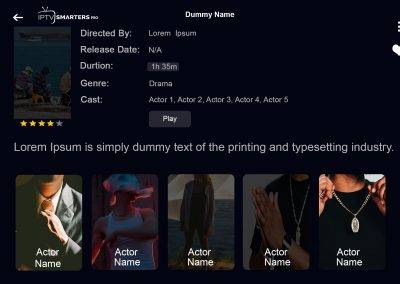
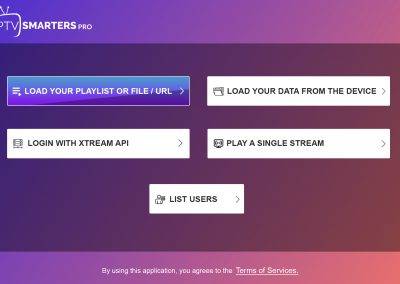
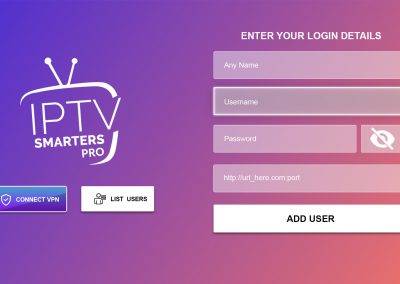
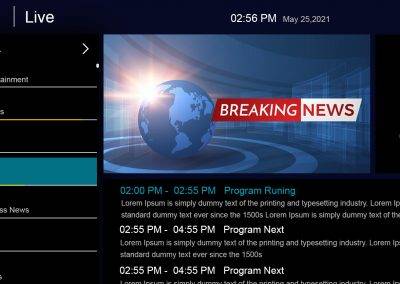
Screenshots


Frequently Asked Questions

IPTV Smarters Pro is a popular app used for streaming TV content via IPTV services. It allows users to access live TV, movies, series, and more via internet protocol.

The app connects to an IPTV service provider using an M3U URL or login credentials. It then fetches streaming content and presents it in an organized interface for viewing.

The app itself is free to download, but it requires subscription-based IPTV services to access content.

Yes, IPTV Smarters Pro can be installed on various devices like smartphones, tablets, Firestick, and Smart TVs, allowing users to access their content across multiple platforms.

Go to your device’s app store, search for “IPTV Smarters Pro,” download and install the app. Then, launch the app and enter the necessary credentials provided by your IPTV service.

Users can access live TV channels, on-demand movies, TV series, sports events, and more depending on the IPTV service subscribed to.

The app itself doesn’t have a built-in recording feature, but some IPTV services might offer this functionality.

The app itself is legal, but the legality of the content accessed through IPTV services depends on whether the content is obtained legally or not.

It is compatible with many IPTV services that support the M3U URL or Xtream Codes API.

Yes, it usually integrates EPG functionality, allowing users to see program schedules and information.

The app offers some customization options such as adding favorites, creating multiple profiles, and adjusting the layout to suit user preferences.

Yes, the app supports subtitles for many channels and content, provided the IPTV service offers subtitle support.

Some versions of the app offer parental control features allowing users to restrict access to certain content based on ratings.

No, IPTV Smarters Pro requires an internet connection to stream content as it relies on online IPTV services.

Some IPTV service providers offer customer support for issues related to the app’s functionality or subscription.

The app might have ads depending on the version or if it’s the free or paid version. Some ads can be removed with a premium subscription.

Streaming content via IPTV Smarters Pro can consume a significant amount of data, similar to other streaming services. The usage depends on the quality of the stream and the time spent watching.

Yes, IPTV Smarters Pro is available on the App Store for iOS devices.

Yes, using a VPN with IPTV Smarters Pro can enhance privacy and security, especially when accessing geo-restricted content.

The app itself is generally safe, but users should ensure they download it from official sources to avoid potential security risks associated with unofficial versions.

Fraud Awareness

Dear Valued Users,

It has come to our attention that several websites are unlawfully replicating our official website, employing our name and content to sell subscriptions and packages. We want to clarify that we neither endorse nor are affiliated with these websites. Any transactions conducted with them will not be recognized or honored by our platform.

To ensure that you are accessing our legitimate website, please verify that the URL begins with “https://iptvsmarterpro.org/”. It’s imperative to note that we do not engage in the sale of IPTV subscriptions or Channel Packages. Additionally, ensure the authenticity of the website by confirming a secure SSL certificate and consider reaching out to our customer support for further verification.

Safeguarding our customers and preserving the integrity of our brand are paramount. We are actively pursuing measures to shut down these fraudulent websites. Should you come across any suspicious websites, kindly report them to us immediately.

Thank you for your vigilance and continued support.

IPTV Smarters Pro stands as an exceptional video streaming application, serving as a versatile player enabling IPTV consumers or end-users to access a wide array of content. It empowers users to stream Live TV, VOD, Series, and TV Catchup provided by their service provider. This app is compatible with Android and iOS devices, Smart TVs, and can also be utilized on macOS, Windows PC, or laptops,

Policy: Paid authorship is available. Not all posts are checked daily. Gambling, betting, CBD, or casino are not endorsed.

X
Scroll to Top